Drupal 11 was released on August 2, 2024, and the latest stable patch as of April 2026 is 11.3.7. To migrate, your site must first be on Drupal 10.3 or later, running PHP 8.3+, and built with Composer. Drupal 10 reaches end of life on December 9, 2026, so the migration window is closing. This guide walks through every step: prerequisites, audit, upgrade path, Drush commands, post-migration validation, and rollback strategy.
Why Migrate to Drupal 11 Now?
If you're still on Drupal 9 (end-of-life since November 2023) or Drupal 7 (end-of-life January 5, 2025), you're already running unsupported software — security advisories no longer apply, and contributed modules are increasingly abandoning your version. Even Drupal 10 sites are on a clock: active development has stopped, and only 10.5.x and 10.6.x receive security support, with 10.6 patched until December 2026.
Drupal 11 is not a rewrite — it's a deprecation cleanup release built on a modern foundation:
- Symfony 7 replaces Symfony 6, giving you another long-term-supported framework cycle.
- PHP 8.3 minimum unlocks readonly classes, typed class constants, and significant runtime speedups.
- Single Directory Components (SDC) are now stable for component-based theming.
- Recipes replace rigid installation profiles with reusable, composable configuration packages.
- Workspaces moved from experimental to stable, enabling safe content staging.
- Hook classes (Drupal 11.1+) let you register hooks via
#[Hook]attributes instead of proceduralmymodule_form_alter()functions. - jQuery 4 and CKEditor 5 Plugin Pack modernize the frontend stack.
The good news: the jump from Drupal 10 to 11 is the smoothest major-version upgrade in Drupal's history. If your codebase is current with 10.3+, the migration is largely a dependency bump plus deprecated-API cleanup, not a re-platform.
Pre-Migration Checklist: What You Need Before Starting
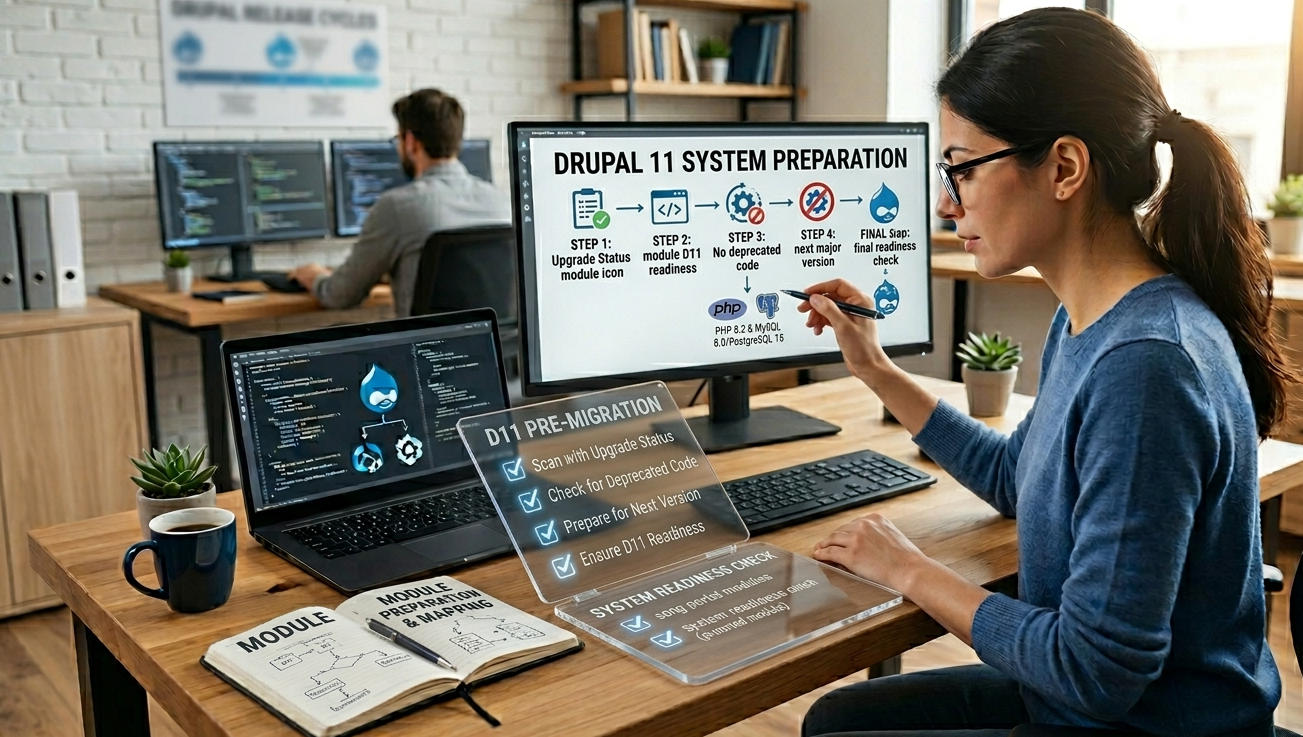
Before touching production, confirm every item below. Skipping any one of these is the single most common cause of failed Drupal 11 migrations.
1. Confirm Your Starting Version
Current version
Path to Drupal 11
Drupal 7
Migrate to Drupal 10.3, then upgrade to 11. No direct path.
Drupal 8.x
Update to 9, then 10.3, then 11. Plan for several months.
Drupal 9.x
Update to 10.3+, then 11. Most module work happens here.
Drupal 10.0 – 10.2
Update to 10.3 first, then 11.
Drupal 10.3+
Direct upgrade to 11. Lowest-risk path.
2. Server Requirements
- PHP 8.3 minimum (PHP 8.4 is supported from Drupal 11.1).
- MySQL 8.0+, MariaDB 10.6+, or PostgreSQL 16+.
- Apache 2.4.7+ or Nginx 1.18+.
- Composer 2.7+ — Drupal 11 cannot be installed without it.
- Drush 13 for command-line operations.
3. Audit Your Modules and Themes
Run the Upgrade Status module on your live Drupal 10 site:
ddev composer require 'drupal/upgrade_status'
ddev drush en upgrade_status -y
Then visit /admin/reports/upgrade-status to get a per-module readiness report. Any module showing "Will not work with Drupal 11" must be replaced, patched, or removed before you can upgrade.
For custom code, run drupal-rector to auto-fix most deprecations:
ddev composer require --dev palantirnet/drupal-rector
ddev exec vendor/bin/rector process web/modules/custom
4. Back Everything Up
Always create a full snapshot before touching anything:
ddev snapshot
# DDEV-level snapshot
ddev export-db --file=pre-d11.sql.gz
# Database tar -czf files-pre-d11.tar.gz web/sites/default/files
Step-by-Step: Migrating from Drupal 10 to Drupal 11
This is the canonical path. Drupal 7 and 8 sites should first reach Drupal 10.3 using the Migrate API before following these steps.
Step 1 — Update to Drupal 10.3 or Later
Your site must be on 10.3.x or later before you attempt the 11 jump. 10.3 is the bridge release: it shares Drupal 11's public APIs while keeping backward-compatibility shims for deprecated code.
ddev composer update "drupal/core-*" --with-all-dependencies
ddev drush updb -y
ddev drush cr
Verify with ddev drush status that the Drupal version reports 10.3.x or higher.
Step 2 — Remove Deprecated Modules and Themes
Drupal 11 ships with several modules and themes physically removed from core. If your site still enables any of these, uninstall them first:
actions_ui(Actions UI)book(Book)forum(Forum)tracker(Statistics Tracker)rdf(RDF)quickedit(Quick Edit)ckeditor(the original CKEditor 4 module — CKEditor 5 stays)seven(Seven admin theme)classy(Classy base theme)stable(the original Stable base theme — Stable 9 stays)
For each one still enabled, find its replacement (most are available as contrib modules on Drupal.org), then:
ddev drush pmu book forum tracker -y
ddev drush cex -y
Step 3 — Update Composer Constraints
Edit your composer.json to require Drupal 11.
If you use drupal/core-dev for testing, bump that too.
Step 4 — Run the Composer Update
ddev composer update "drupal/core-*" "drush/drush" --with-all-dependencies
Watch for resolution errors — those will tell you exactly which contrib module is blocking the upgrade. The fix is usually one of:
- Bump the contrib module to its 11-compatible release.
- Apply a community patch via
cweagans/composer-patches. - Replace the module if it's been abandoned.
Step 5 — Run Database Updates
ddev drush updb -y
ddev drush cim -y
# Only if you manage configuration in code
ddev drush cr
Step 6 — Verify the Upgrade
ddev drush status
You should see Drupal version : 11.3.x (or whatever the latest stable is). Confirm:
ddev drush watchdog:show --severity=Error --count=50
If watchdog is clean, the database upgrade succeeded.
Migrating from Drupal 7: A Different Story

Drupal 7 to Drupal 11 is not an upgrade — it's a content migration. The architecture changed fundamentally between Drupal 7 and 8, and there is no in-place path. You build a new Drupal 11 site and migrate content into it using Drupal's Migrate API.
High-Level Process
- Stand up a clean Drupal 11 site with all the contrib modules your D7 site relied on (or modern equivalents).
- Recreate your content architecture — content types, fields, taxonomies, view modes — to match the D7 source. Use configuration management to track this.
- Configure migration sources by enabling the
migrate,migrate_drupal, andmigrate_drupal_uimodules. - Use the Migrate Drupal UI at
/upgradeto point at your D7 database and files directory. It auto-generates migration definitions for users, taxonomy, files, nodes, comments, and more. - Run migrations incrementally, fixing field-mapping issues with custom process plugins as needed.
- Validate, redirect, and cut over — preserve your URLs with the Redirect module to avoid losing SEO equity.
ddev drush migrate:status
ddev drush migrate:import --group=migrate_drupal_7
ddev drush migrate:messages d7_node_complete_article
Budget months, not weeks, for any non-trivial Drupal 7 site. Drupal 7 official support ended January 5, 2025, so any remaining D7 site is running unsupported software.
Post-Migration: SEO Preservation Checklist
A migration is only successful if your search rankings survive it. Drupal 11's URL structure, redirect handling, and metadata are largely backward-compatible, but specific items break by default:
- Verify canonical URLs. The
metatagmodule behaves the same way, but confirm every node still emits a self-referencing canonical tag. - Re-run your XML sitemap.
simple_sitemapmay need a regeneration after the upgrade:ddev drush simple-sitemap:rebuild-queue && ddev drush simple-sitemap:generate. - Test 301 redirects. If you have legacy URLs from previous migrations, confirm the
redirectmodule still serves them. - Schema.org markup. If you used
schema_metatag, verify each schema type (Article, Organization, BreadcrumbList) still validates in Google's Rich Results Test. - Crawl with Screaming Frog or Sitebulb before and after, comparing status codes, titles, descriptions, and H1 tags. Any regressions show up as diffs.
- Resubmit your sitemap in Google Search Console and Bing Webmaster Tools.
- Monitor Core Web Vitals for two weeks. Drupal 11's default lazy-loading and interface previews tend to improve LCP, but a misconfigured cache can regress CLS.
Performance Tuning for Drupal 11
Drupal 11 includes performance work that's worth turning on explicitly:
- Enable BigPipe (
big_pipemodule) for streaming dynamic content while caching the shell. - Enable Page Cache and Dynamic Page Cache in
system.performance— both are core, and both should be on in production. - Configure a reverse cache (Varnish, Cloudflare, Fastly) using the
purgeandcache_tagsmodules so cache invalidation is precise instead of full-flush. - Use Redis or Memcached for the backend cache via the contrib
redisormemcachemodules — significantly faster than the database default. - Enable HTTP/2 or HTTP/3 at the web-server layer.
ddev drush config:set system.performance css.preprocess 1 -y
ddev drush config:set system.performance js.preprocess 1 -y
ddev drush config:set system.performance cache.page.max_age 3600 -y
Common Migration Errors and Fixes
Error
Your requirements could not be resolved to an installable set of packages
A contrib module isn't 11-compatible
Check Drupal.org for an 11.x-1.x release; apply a patch; or remove the module
Drush command requires a higher Drush version
Old Drush in composer.json
composer require drush/drush:^13
The website encountered an unexpected error after upgrade
Stale cache or missed updb
ddev drush updb -y && ddev drush cr
Class 'Drupal\Core\Foo' not found
A custom module uses a removed deprecated API
Run drupal-rector; manually patch what it can't
PHP Fatal error: Allowed memory size exhausted during composer update
Composer needs more RAM
COMPOSER_MEMORY_LIMIT=-1 composer update ...
Configuration import fails with UUID mismatch
Site UUID changed between environments
ddev drush cset system.site uuid <original-uuid>
Rollback Plan
Always assume the migration may fail in production. A safe rollback strategy looks like this:
- Take a database snapshot immediately before the production cutover.
- Tag your repository at the last known-good commit on Drupal 10.
- Keep Drupal 10 codebase deployable for at least 30 days post-migration.
- Document the rollback steps so any on-call engineer can execute them at 3 a.m.:
git checkout pre-d11-tag composer install --no-dev drush sql:drop -y gunzip < pre-d11.sql.gz | drush sql:cli drush cr
Test the rollback procedure on staging before you trust it in production.
Frequently Asked Questions
How long does a Drupal 11 migration take?
For a Drupal 10.3+ site with mostly contrib modules, a clean upgrade takes a few hours of engineering work. For a Drupal 9 site with custom code and 30+ contrib modules, plan two to four weeks including testing. For Drupal 7, two to six months depending on content volume and architectural changes.
Do I have to migrate to Drupal 11 right now?
If you're on Drupal 10.5 or 10.6, you have until December 9, 2026 before security support ends. If you're on anything older, you should already be planning the migration. Drupal 12 is expected in late 2026, and the 10→11→12 path is much easier than 10→12 directly.
Will my contrib modules work with Drupal 11?
Most actively maintained contrib modules already support Drupal 11. Check the module's project page on Drupal.org for an 11.x-compatible release. The Upgrade Status module produces a definitive per-module report.
Can I run Drupal 10 and Drupal 11 codebases side by side?
Yes — Drupal 10.3+ and Drupal 11.0+ share the same public API, so a single contrib module can declare core_version_requirement: ^10.3 || ^11 and work on both. This makes incremental migration realistic.
Does Drupal 11 break my theme?
Only if your theme extends Classy, Seven, or the original Stable (those are removed). If you're on Olivero, Claro, or Stable 9, your theme will continue to work. Custom themes that target deprecated Twig functions may need small fixes — the rector tool catches most of them.
Conclusion
Migrating to Drupal 11 in 2026 is no longer a question of whether but when. The technical lift is the smallest in Drupal's major-version history, the new dependency stack (Symfony 7, PHP 8.3) gives you another four-year support runway, and the new features — Recipes, stable SDC, hook classes, stable Workspaces — meaningfully reduce the cost of building and maintaining sites going forward.
The right next step depends on where you are today: if you're on Drupal 10.3+, run Upgrade Status this week and aim for a migration sprint within the next quarter. If you're on Drupal 9 or older, treat this as a project, not a task — but start it now, because Drupal 12 lands later in 2026, and the longer you wait, the more bridges you'll have to cross.